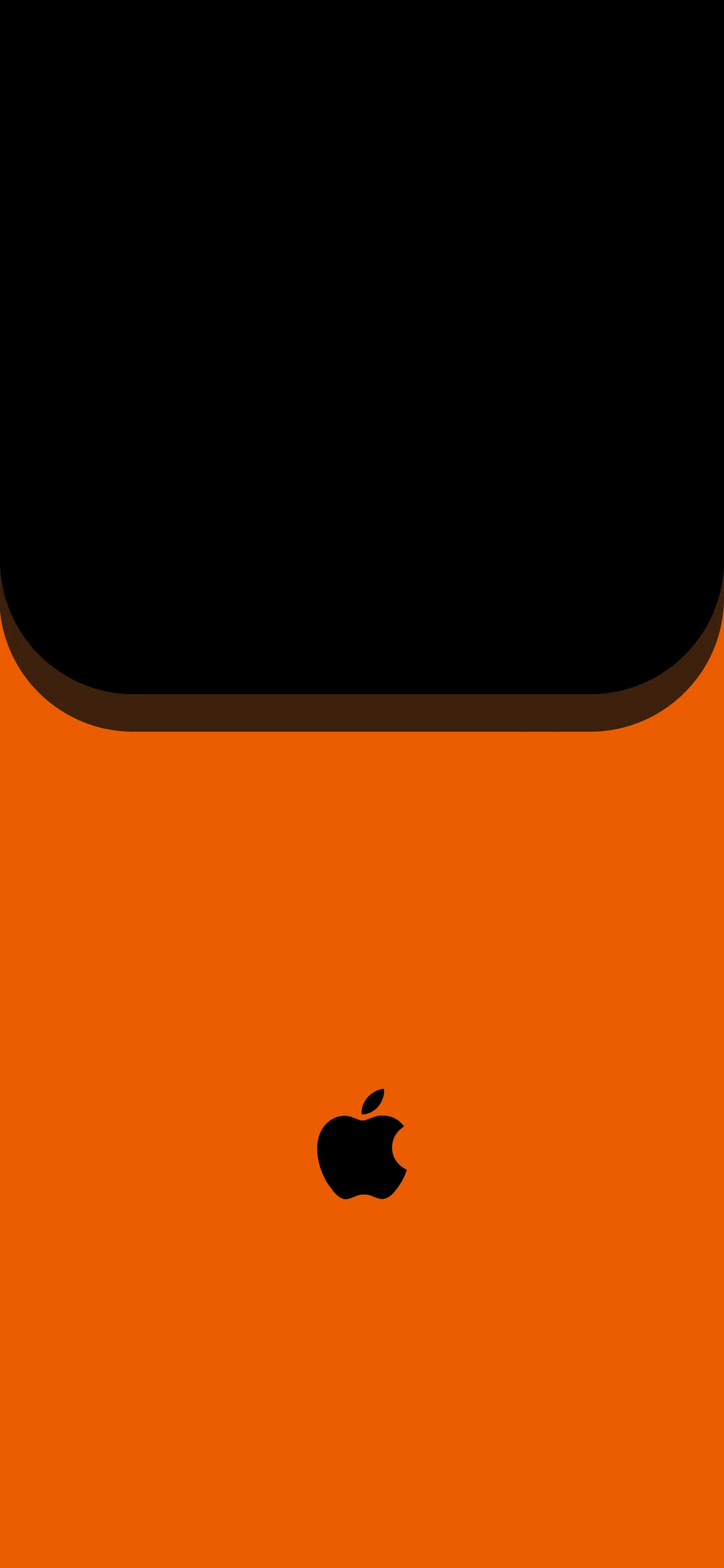
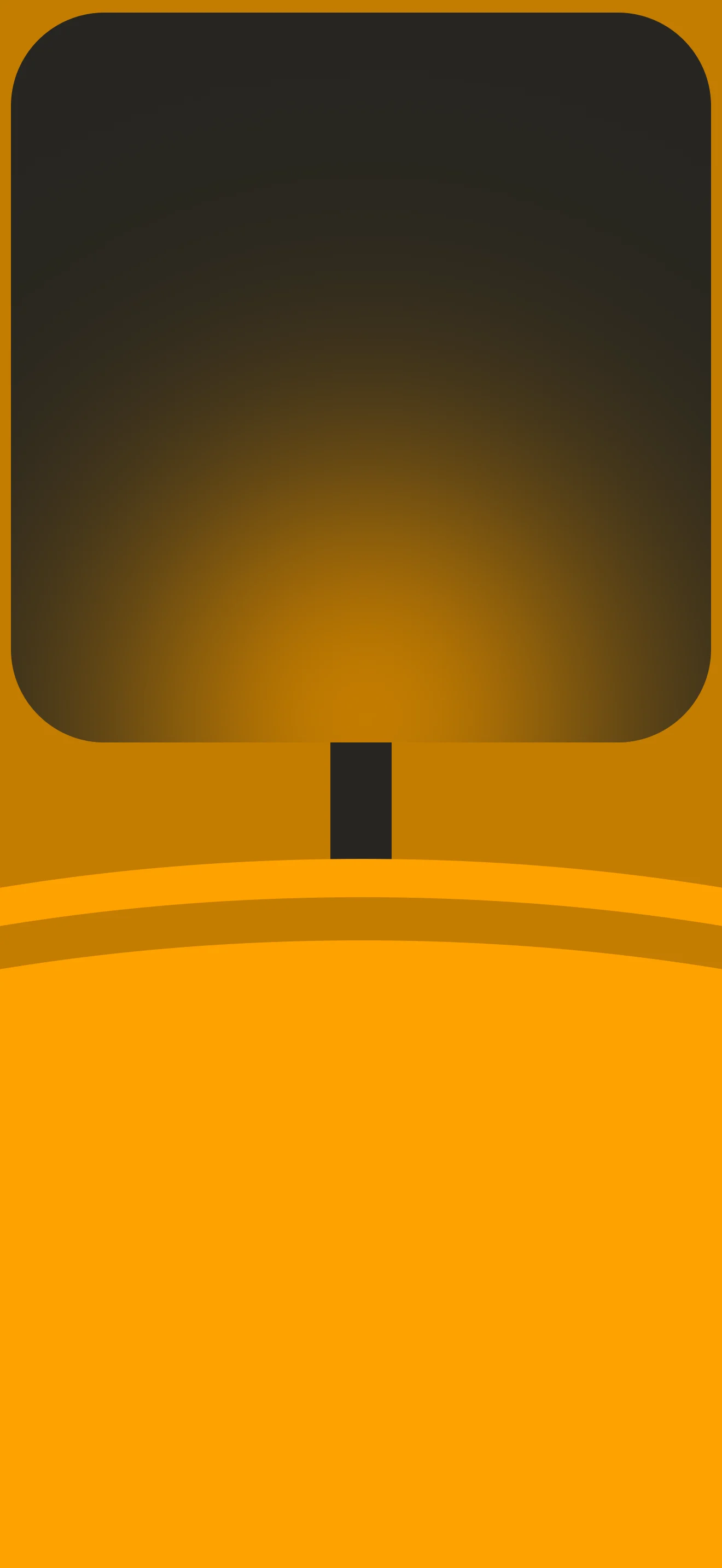
This wallpaper is a clever trompe-l'oeil design built around a familiar scene: a dark monitor sitting on a warm amber desk. The upper three quarters of the screen show a large rounded rectangle with a deep charcoal-to-golden gradient inside, mimicking the look of a powered-down or sleeping iMac or Apple Studio Display. A small dark rectangular stand connects the screen to the surface below. That surface is rendered as a gently curved wave shape in bright amber orange, with a subtle shadow line separating it from the golden background above. The whole composition feels like you are looking at a miniature desktop setup inside your phone. Available in 1080x2340 px for iPhone and Android. Free to download, no account required.
Download Free
2 people viewing now
No account required · Original quality
Stats
Views
3
Downloads
0
Telegram Subs
3737
Threads subs
27 756
Like
Dislike
Need your like
Photo info
Dimensions
1080x2340
File size
23.27 KB
Format
Webp
Added
July 8, 2026
License
Free to use
Compatibility
iPhone 18/17/16/15/14/13, Samsung Galaxy, iPad
Other works in this category
Go to this category
About author
In an era where digital screens are our primary windows to the world, I believe that a phone wallpaper is more than just an image - it is a reflection of one’s personality and mood. My mission is to provide unique, high-quality visual experiences that standard stock galleries cannot offer.
Share this post
About this post
There is a specific type of phone wallpaper that has grown in popularity alongside the aesthetic setup and desk setup communities on YouTube, Pinterest, and Reddit. Rather than showing a landscape or an abstract pattern, it shows a workspace, or at least the idea of one. This wallpaper taps into that trend in a direct and elegant way. The monitor shape is immediately recognizable to anyone familiar with Apple product design, with its generously rounded corners, the narrow stand, and the clean separation between screen and surface. The amber and orange color palette gives it a warm, golden-hour feel that sits somewhere between productive and relaxed. It is the visual equivalent of sitting at a beautifully lit desk on a Sunday afternoon. For people who spend a lot of time thinking about their workspace aesthetic, this wallpaper is a natural fit for a phone that lives beside that desk.
FAQ
What is the concept behind this monitor-style phone wallpaper?
The wallpaper uses a visual trick called trompe-l'oeil, which is French for "deceives the eye." The design is made to look like a real object sitting in a real space, in this case a monitor on a desk, even though it is a flat image on your phone screen. When you hold your phone and look at this wallpaper, the perspective and proportions are deliberately calibrated to make the monitor shape feel three dimensional and physically present. This type of conceptual wallpaper has become increasingly popular in phone customization communities where the goal is not just to decorate the screen but to give it a sense of depth, context, or visual narrative.
Which iPhone models does this wallpaper look best on?
: This wallpaper is designed for the standard 9x19.5 aspect ratio used by iPhone 12, 13, 14, 15, and 16 series. On these models the monitor block sits in the upper portion of the screen where the status bar and clock are displayed, which adds an extra layer of realism since the time appears to float above the dark screen shape, much like a real monitor would show. On iPhone 14 Pro and 15 Pro with the Dynamic Island, the cutout sits near the top center of the display, which aligns well with the composition and does not disrupt the monitor illusion. The warm amber and orange tones also look particularly vibrant on the Super Retina XDR OLED panels used in Pro models.
What icon and widget setup pairs best with this desk aesthetic wallpaper?
To get the most out of this wallpaper, keep the home screen setup minimal and warm-toned. On iOS, a set of icons in dark brown, black, or amber colors placed in the lower half of the screen, which represents the desk surface, creates a natural extension of the scene, as if your apps are sitting on the desk beside the monitor. A clock or weather widget placed over the dark monitor area reinforces the illusion that the widget is actually displayed on the screen within the screen. On Android, KWGT or Widgetsmith-equivalent tools let you build the same kind of layered effect. Avoid cluttering the monitor area with too many icons as it breaks the visual concept. Fewer elements placed intentionally will always look better with this type of design.
Other works in other category
Other category wallpapers