Visual Game Themes on Mobile
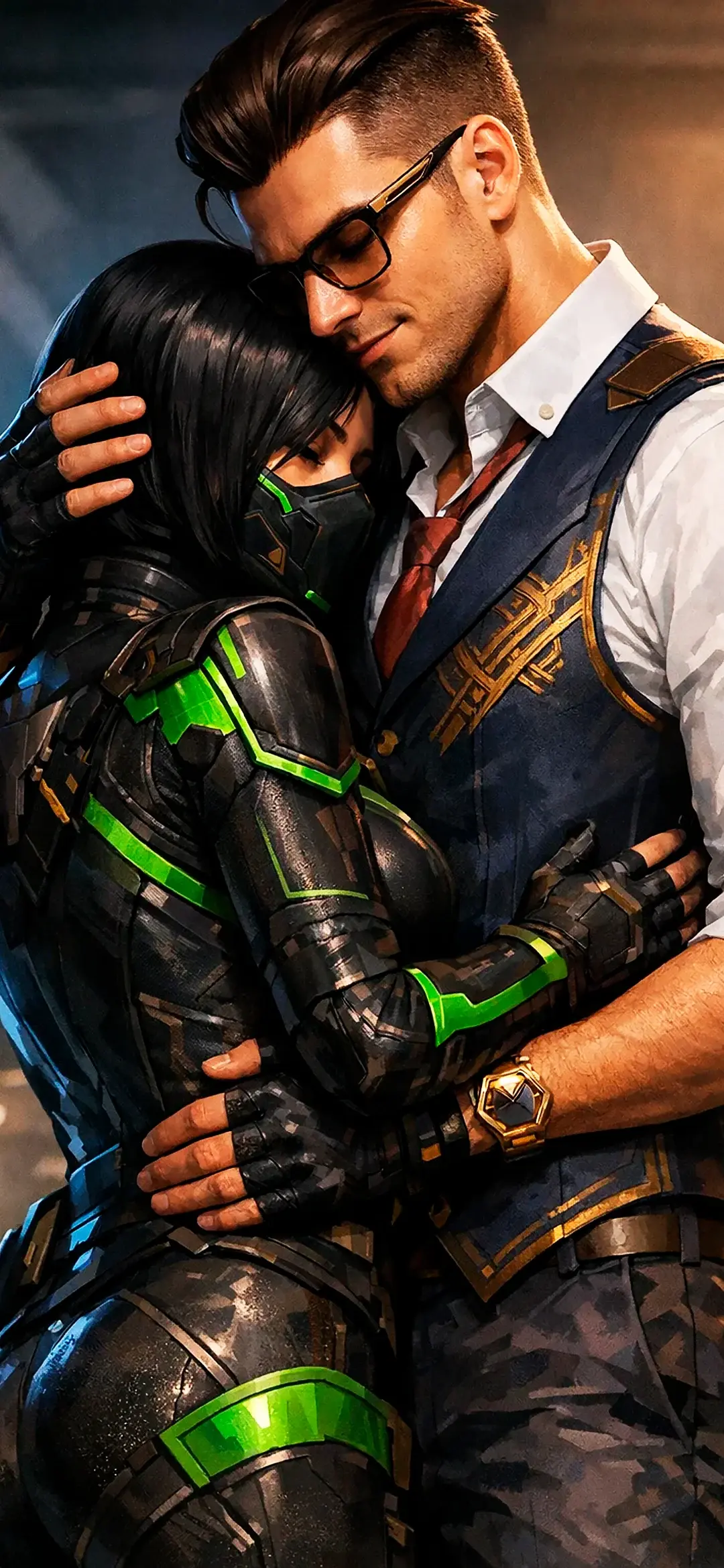
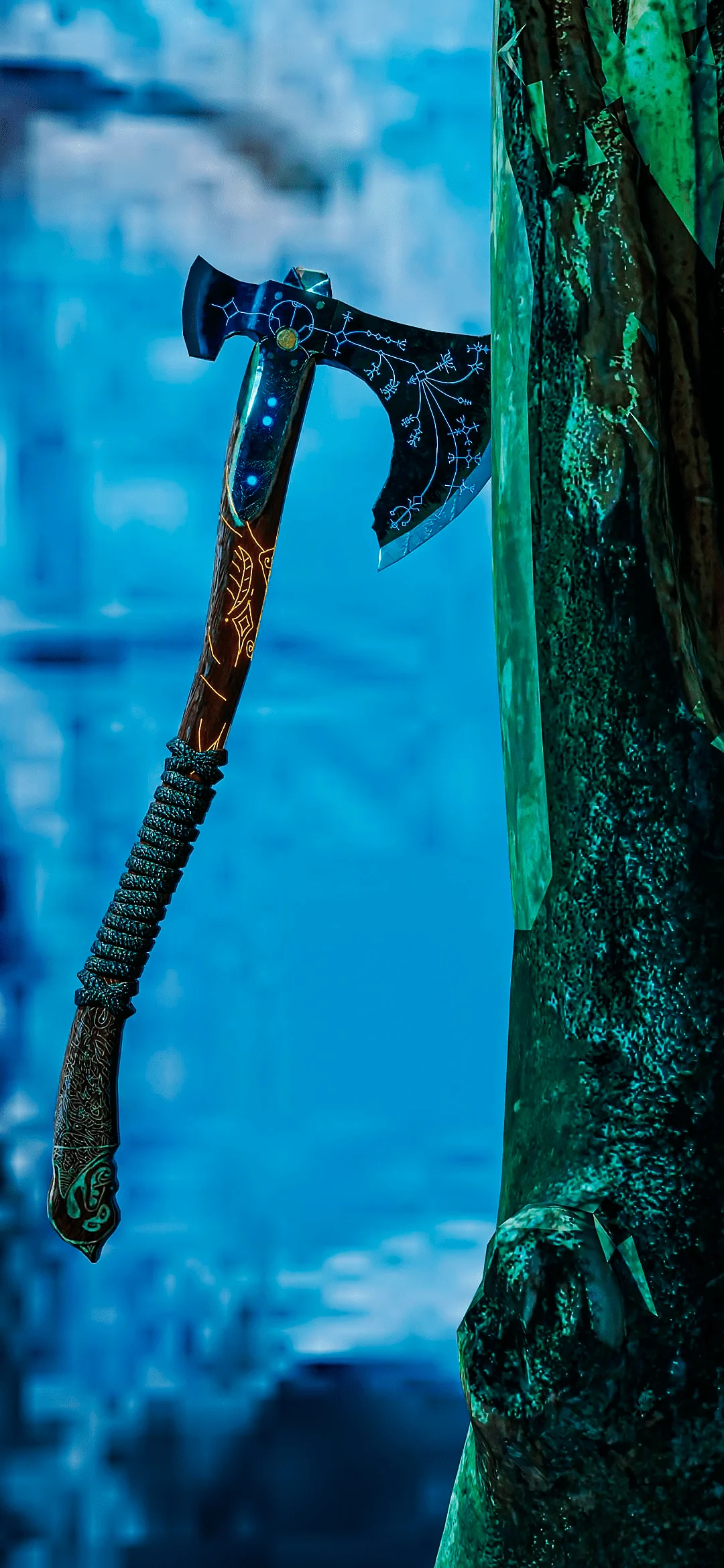
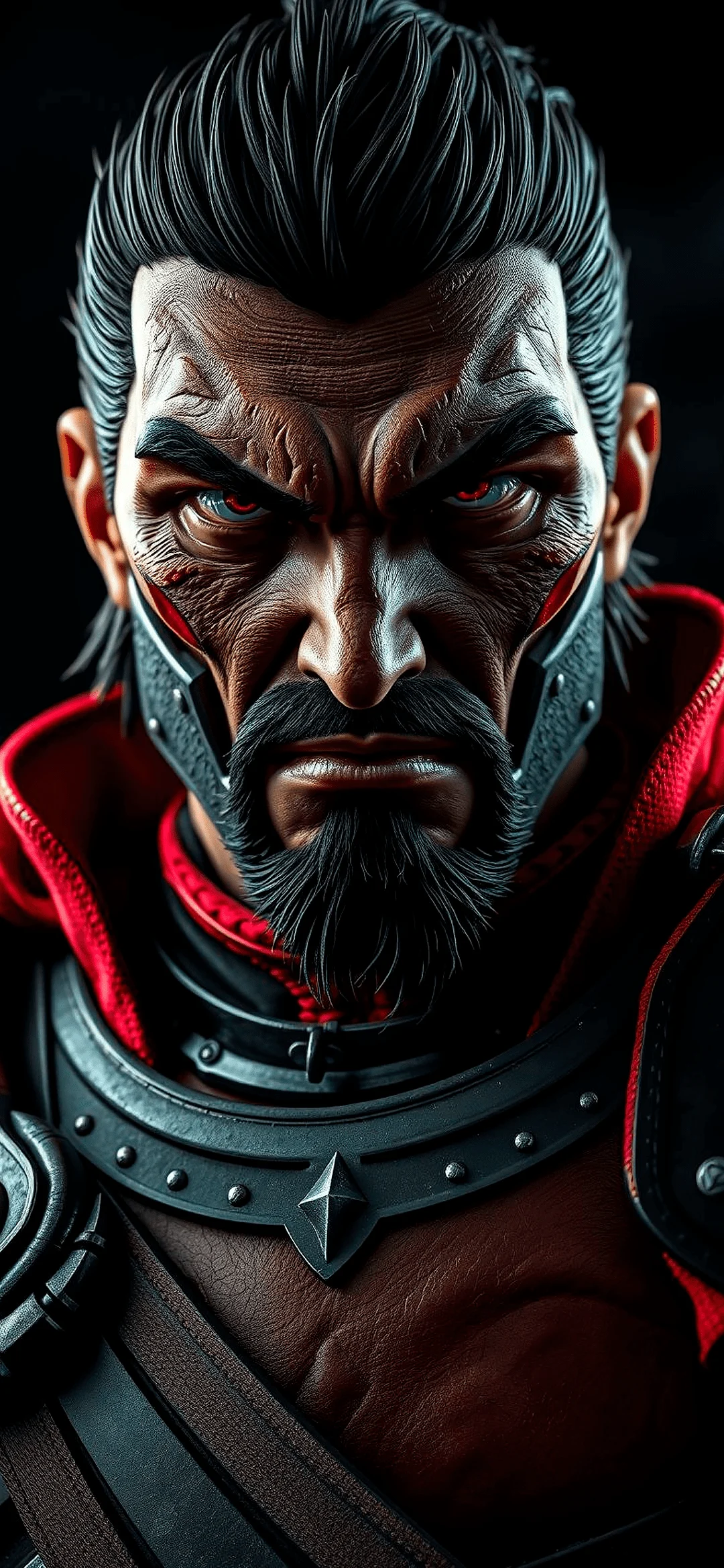
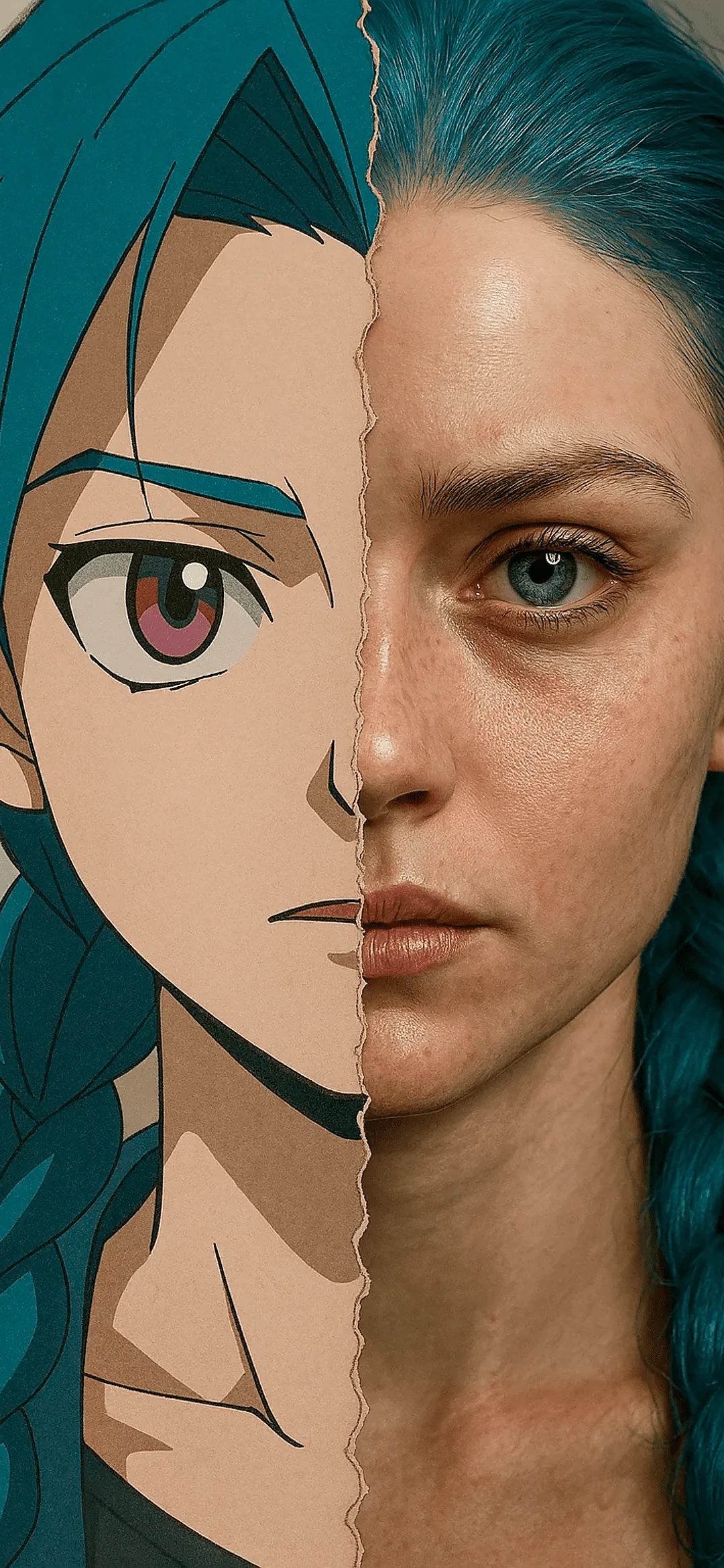
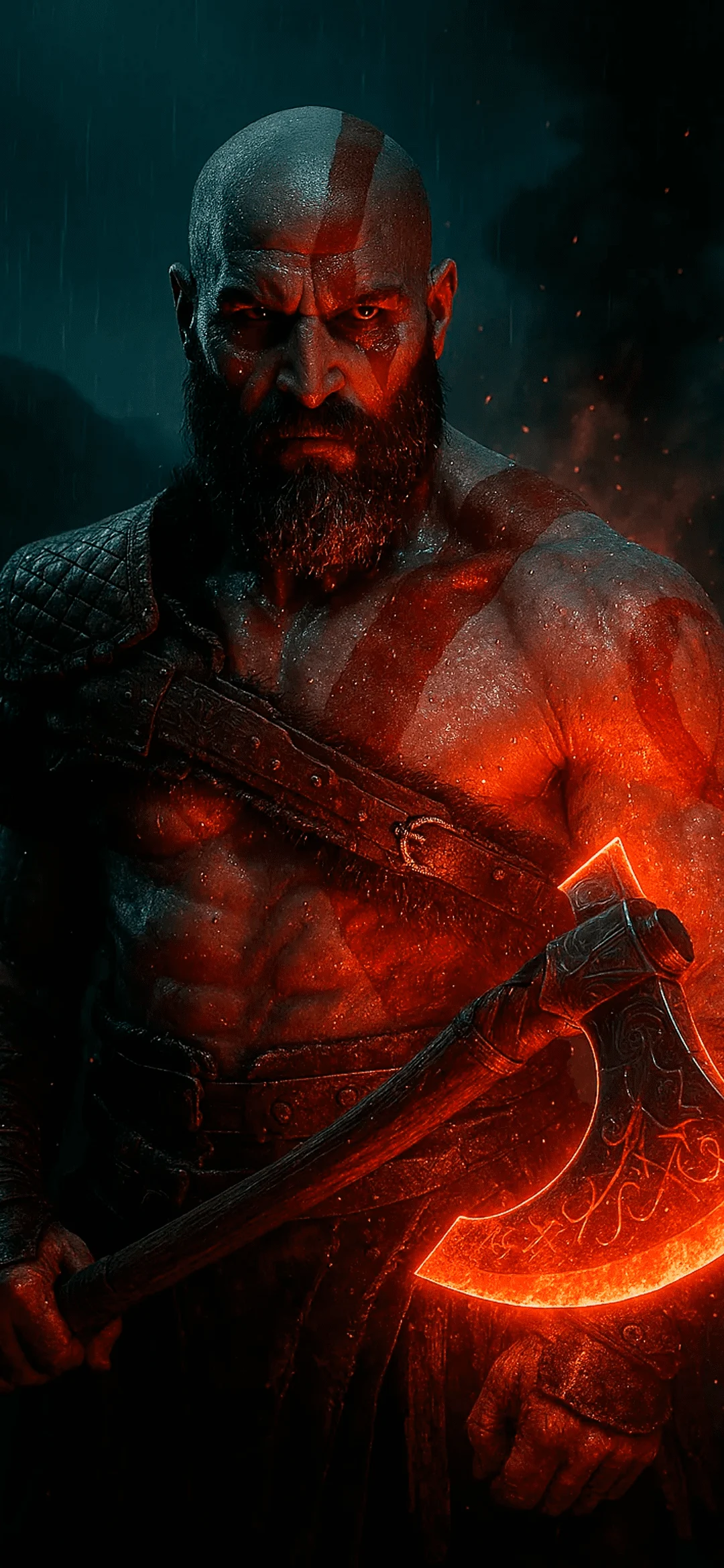
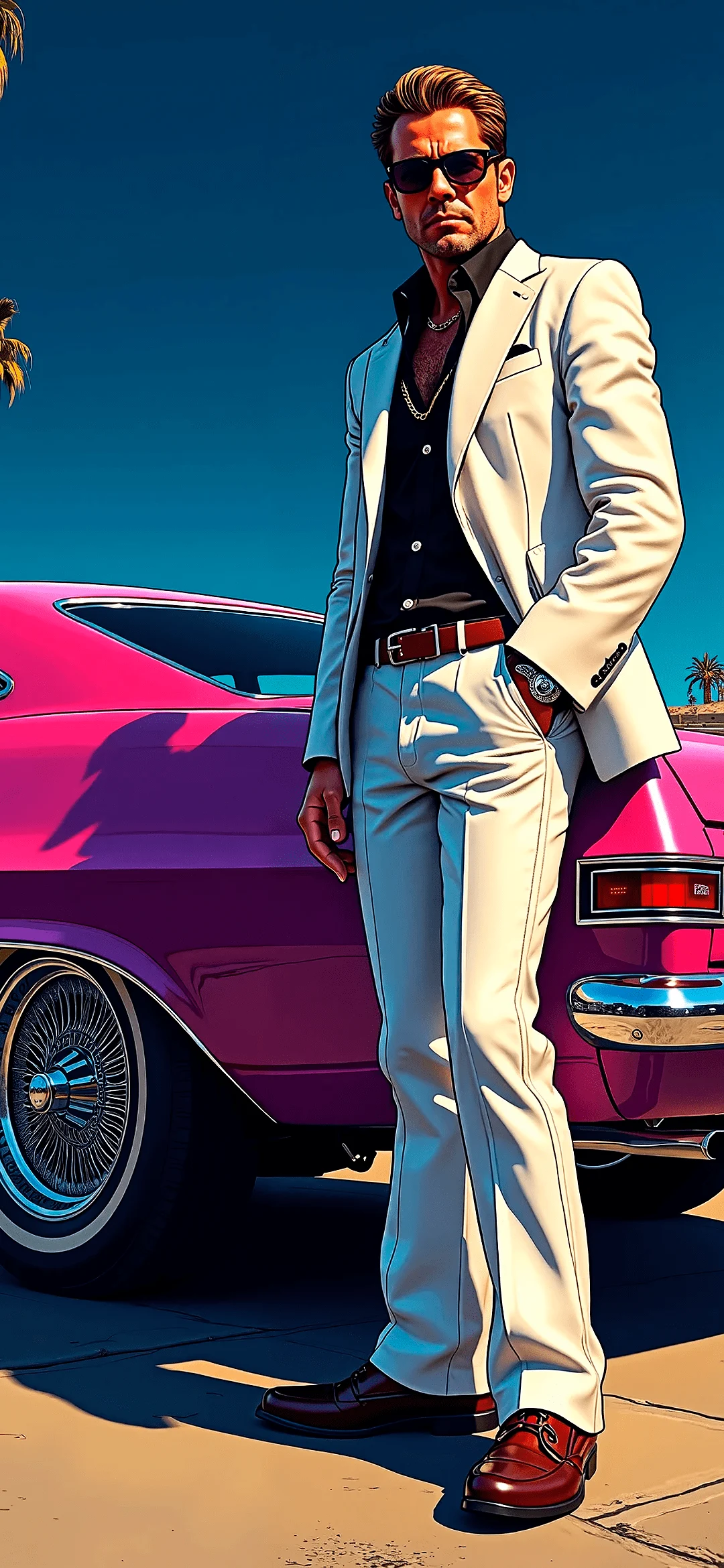
In the Games Wallpapers section users can find bold neon scenes, dark sci fi rooms, colorful arcade styles and clean minimalist controller logos. Collections of gamer phone wallpapers often cover many moods from calm menu screens to high energy action shots.
Some backgrounds focus on symbols like buttons, keyboards and gamepads while others show wider landscapes from fantasy or racing games. This gives people who do not want direct characters on the screen a softer option that still feels linked to gaming.
Choosing Game Backgrounds for Daily Use
For everyday use it helps to pick game wallpapers where the main subject sits a bit below or above the center so the clock and icons do not cover important parts of the art. Darker gaming styles with neon edges are popular because they keep icons readable and also make colors pop on OLED screens.
You can swap images by mood for example a bright cartoon style game world during the day and a deeper cyber city or space station look at night. Large simple shapes and clear light areas help the design look good even when app folders or widgets sit on top.
Layout Ideas for Clear Icons
When testing games phone wallpapers look first at the home screen and see if app names stay easy to read. Busy detail right behind labels can make the screen feel messy even if the art is strong. Choosing backgrounds with some empty or softer space around the center often gives the best balance.
If your phone uses always on display or many notifications try darker scenes with gentle glow so text stands out without too much strain on the eyes. For bright outdoor use lighter game art with strong contrast between main elements and the background can keep the screen visible in sunshine.
FAQ